9.3.1.12. show passwords
A - Introduction
The `passwords` command of the `show` sub-group enables:
to display the list of users managed by the current level, accessible for setup, gviewadm, gview users
to retrieve the root token in the form of a text or QR code, accessible for setup user only.
Note
The "retrieve root token" feature must be used in consultation with GATEWATCHER customer support.
B - Prerequisites
User: setup, gviewadm, gview
Dependencies: N/A
C - Command
`show passwords {list|text|qrcode}`
D - Procedure to display the list of users managed by the current level
The command prompt is displayed.
(gcap-cli)
Enter the command
show passwords list
- ValidateThe system displays the list of users managed by the current level
Example for the gview level:
Allowed users: gview
Example for the setup level:
Allowed users: gviewadm, gview, setup
E - Procedure to display the root token in text
The command prompt is displayed.
(gcap-cli)
Enter the command
show passwords root text
- ValidateThe system displays the root token in text
Encrypted Root Token is: "hzDpahGYq2i8aiSXwRfmhC7W3ZtSHteyJ22J2tL5OlI1Aq+nYsgJaGi7JyXVjGKyDs1TCBZqbXiobXe9y1o"
F - Procedure to display the root token as a QR code
The command prompt is displayed.
(gcap-cli)
Enter the command
show passwords root qrcode
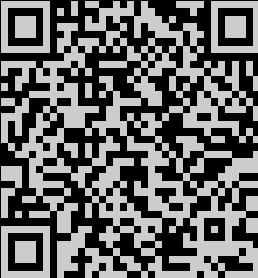
- ValidateThe system displays the root token as a QR code